
A private workspace for Pinterest creators
Plan, write and publish your pins from one calm dashboard
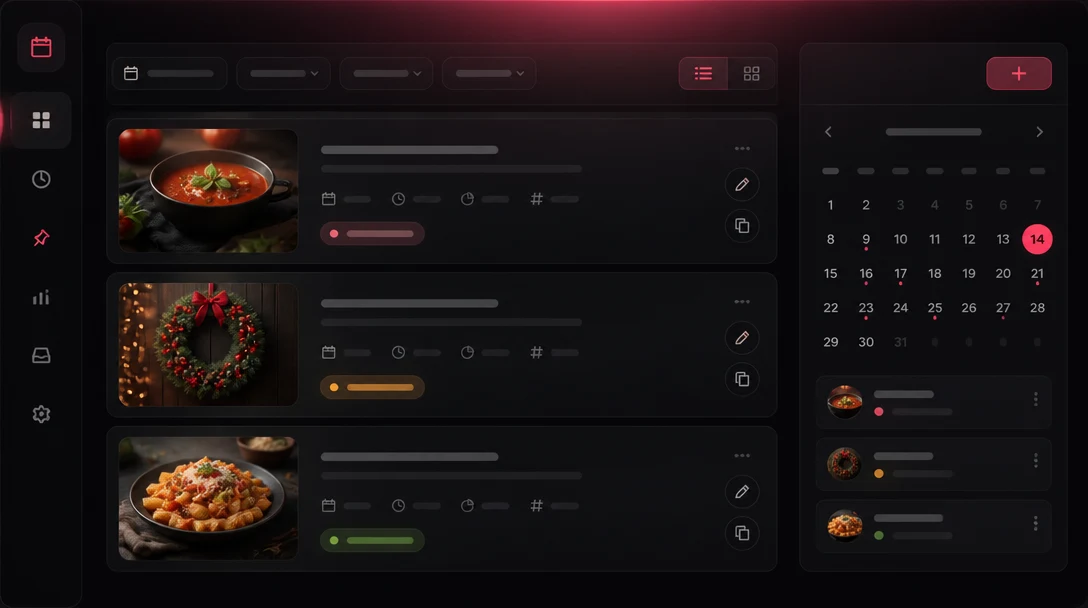
Kitchora turns a recipe spreadsheet into scheduled Pinterest pins and WordPress posts, with titles, descriptions and images written by AI from your own prompts. You approve every publish.
Private tool, invitation only. No public sign-up.
The tools you already use, working together
- WordPress
- WP Recipe Maker
- fal.ai
- Claude by Anthropic
- Telegram
Everything between the spreadsheet and the published pin
Built for a small team running a handful of accounts, with safe defaults and no surprises.
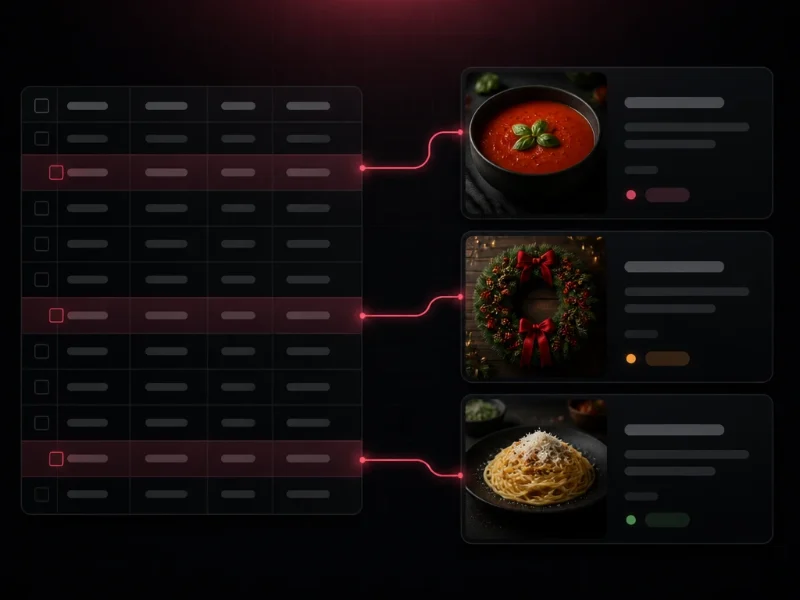
Start from a spreadsheet
Import a CSV of recipes and pins. Every row is checked before anything is saved, and importing the same file twice never creates duplicates.
Smart scheduling
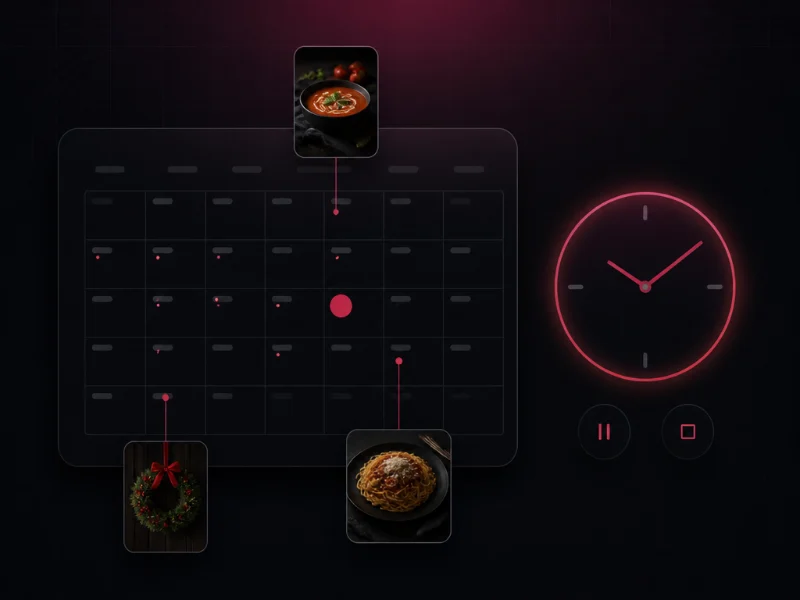
Choose the days and times for each account, set how many pins go out per day, and spread them across your week. Pause or stop everything with one button.
Dry run first
Every new account starts in dry run: pins are prepared and checked, but nothing is sent to Pinterest until an admin switches it off.
AI titles, descriptions and images
Write your own prompts with the recipe's title, ingredients and steps, keep them in groups, and generate pin copy and pin images in one place.
WordPress, too
Turn the same recipe into an article with images and a recipe card. Create a draft, schedule it or publish it, each time after a confirmation.
Logs and alerts
Every step is written to a log you can read. A Telegram message tells you when a pin is published or needs your attention.
How it works
Four steps, and you stay in control of each one.
Import your recipes
Upload one CSV. The app reads the recipe, the article text and the image prompts, and tells you about every problem row.
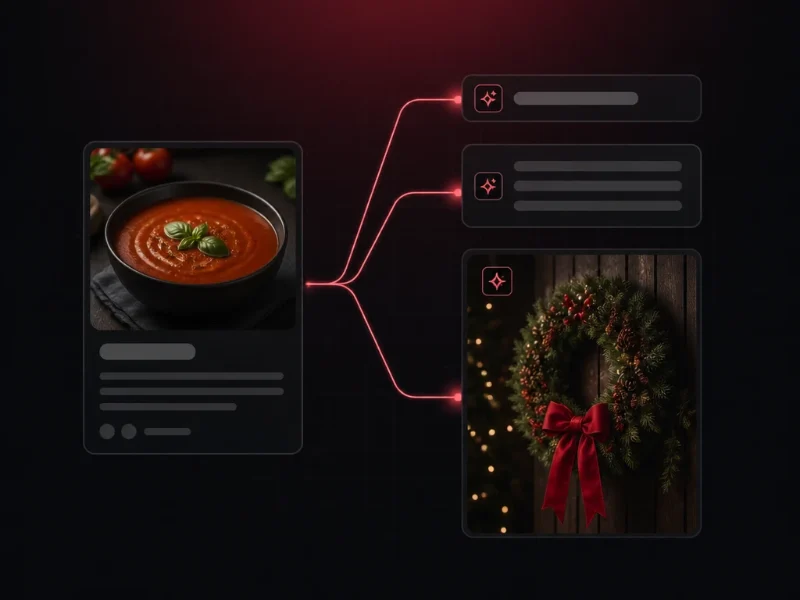
Write the copy and make the images
Pick a prompt group. Titles, descriptions and pin images are created from each recipe, and you can edit every text by hand.
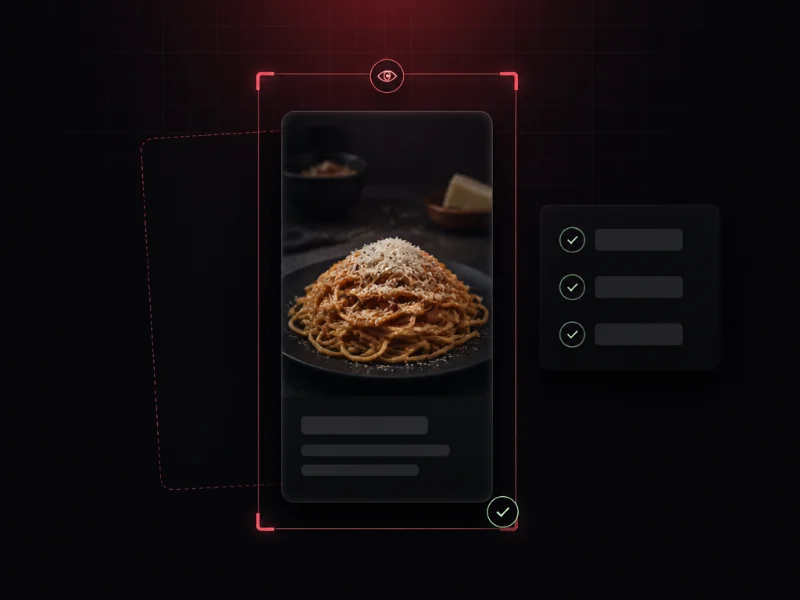
Review in a dry run
See exactly what would be sent: the fields, the image and the category. Nothing is created until you confirm.
Schedule and publish
Pins go out at the times you set, within the daily limit you choose for each account. You can stop everything with one button.
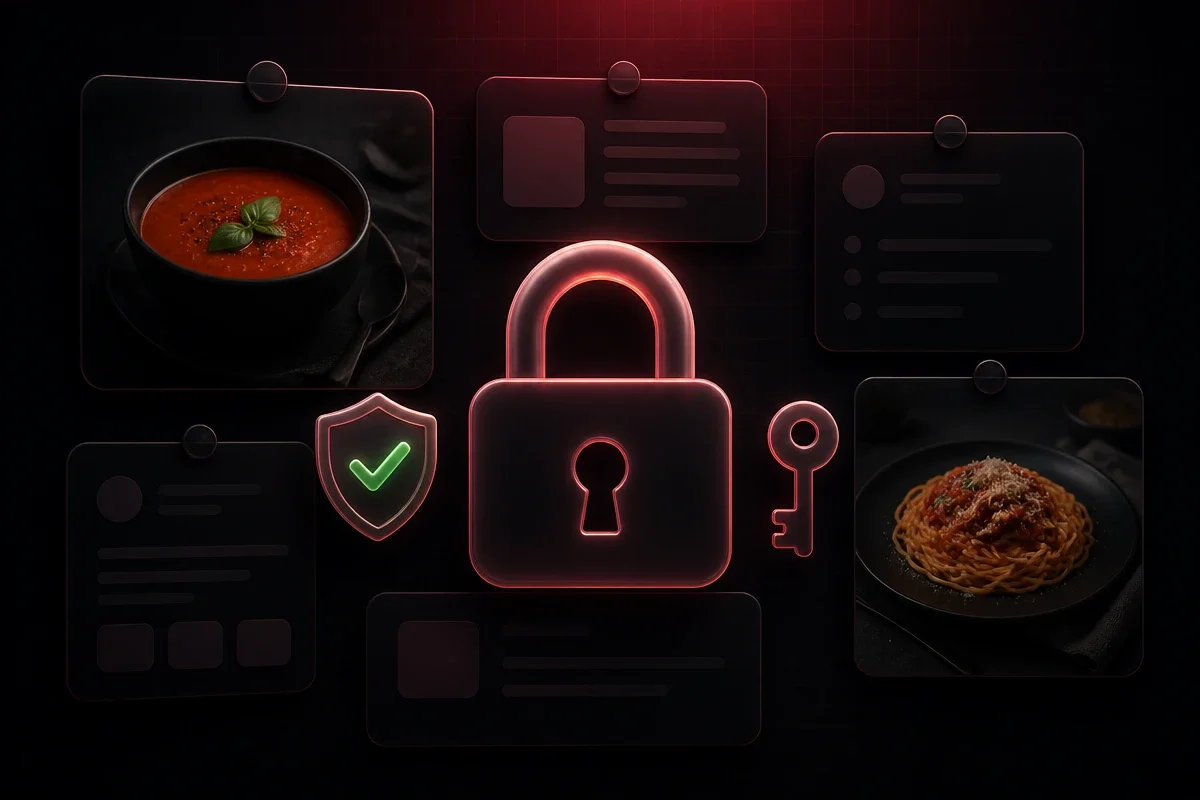
Your accounts, your data
The app is built to touch as little as possible and to keep what it must keep under your control.
Never your password
You connect with Pinterest's own login page. The app receives an access token, never your Pinterest password.
Secrets are encrypted
API keys and website passwords are stored encrypted and are never shown again in the interface.
Invite only, no resale
Only the owner and the people the owner invites can sign in. Your content is not shared, sold or used to advertise.
You can see everything
Every action is written to a log you can read, so you always know what was sent and when.
Questions
Is this a public service?
No. It is a private tool for an owner and the few people the owner invites, who manage the owner's own Pinterest accounts and websites. There is no public sign-up, no plan and no payment.
Does it like, save or comment on other people's pins?
No. Through Pinterest's official API it only reads the profile and the boards of the account you connect, and it creates the pins you import on that account. It does not read other people's pins, and it does not like, save, follow or comment.
Can it publish without my approval?
Only pins you imported, at the times you scheduled, on accounts where you switched dry run off. Every paid or public action in the app asks for a confirmation that shows the numbers first.
Does it ask for my Pinterest password?
Never. You connect an account on Pinterest's own login and consent page (OAuth). The app only receives an access token, which you can revoke at any time in your Pinterest settings.
Where is my data kept?
On the machine or server where the owner runs the app. See the Privacy Policy for the full list, including the services your texts and images are sent to.