
About Kitchora
Built to make recipe publishing calmer
Kitchora started from a simple problem: turning a folder of recipes into pins and posts takes hours of repeated clicking, and the fast shortcuts put your accounts at risk. So it does the repetitive work for you, carefully, and leaves the decisions to you.
Our mission
From a spreadsheet to a published pin, without losing control
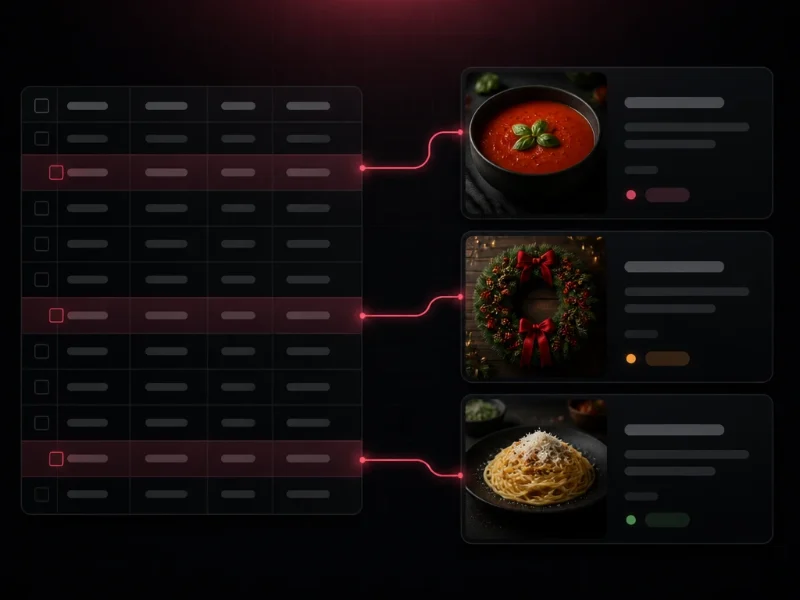
A recipe lives in many places: a spreadsheet, a WordPress post, a Pinterest board. Kitchora keeps them together. Import one file, write the copy and make the images, review exactly what will be sent, then schedule it. The same recipe can become a pin and an article with a recipe card.
It is made for people who run a food site and a handful of Pinterest accounts, and who would rather publish steadily than in bursts.
What makes it different
Not another tool that posts as much as it can
Kitchora is deliberately careful. These three rules shape everything in it.
Safe by default
Every account starts in dry run: pins are prepared and checked, but nothing is sent to Pinterest. Nothing goes live until an admin switches it off, account by account.
You approve what matters
Anything public or paid asks for a confirmation that shows the numbers first: which site, how many posts, how many images, what it may cost. One button stops everything.
Only your own pins
Kitchora creates the pins you import on accounts you own. It does not like, save, follow or comment on other people's pins, and it will not be extended to.
How we think
Four principles
They are written down because they are easy to forget when a tool can do more than it should.
- 1
Your accounts stay yours
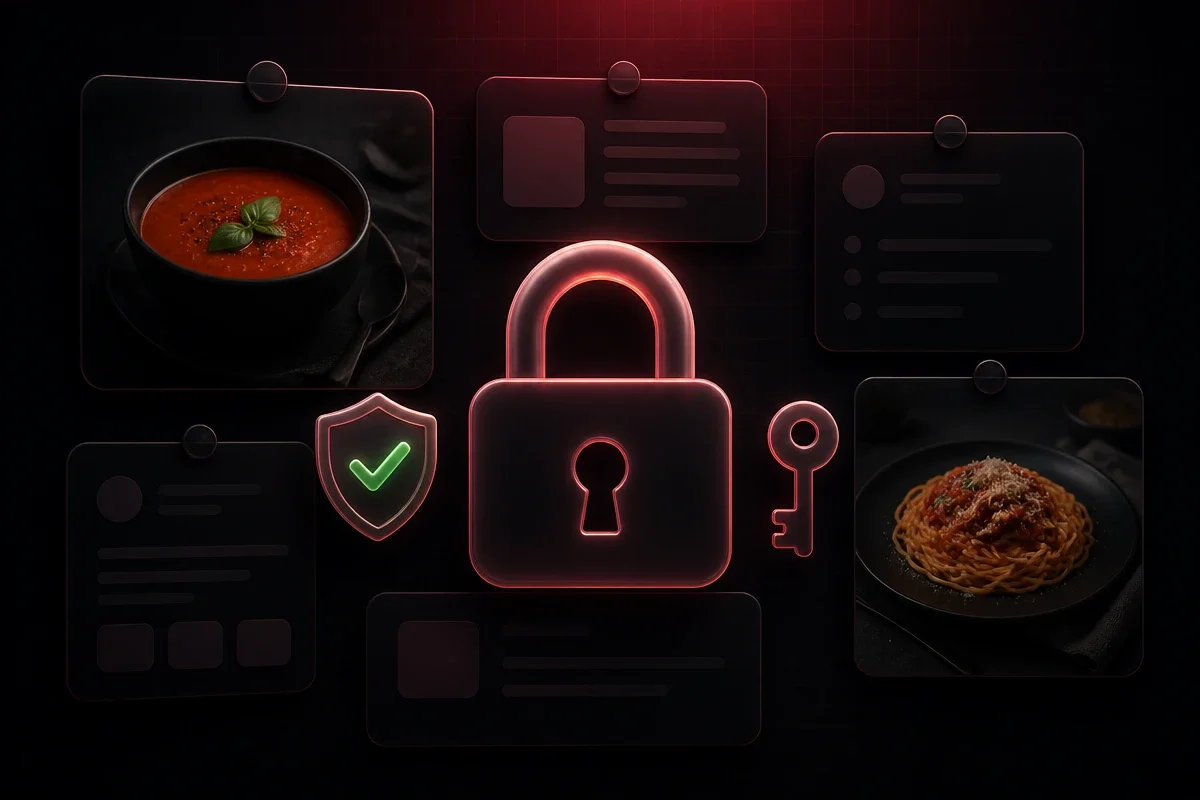
You connect an account on Pinterest's own login page (OAuth). The app never asks for, sees or stores your password, and secrets such as API keys and access tokens are kept encrypted.
- 2
Steady, reviewed publishing
You choose how many pins go out each day and when, and you review them before they do. The goal is a calm, consistent presence on Pinterest, not the most pins in a day.
- 3
AI helps, you decide
Titles, descriptions, categories and images are written from your own prompts and the text of each recipe. You can read and edit all of it before it is used.
- 4
Everything is visible
Each step is logged. When something fails, the app says where and why, and it never retries a publish that may already have gone out.
Who it is for
- Food bloggers and recipe sites that publish on Pinterest and WordPress.
- People who manage a few Pinterest accounts of their own.
- Anyone who wants steady, reviewed publishing instead of bulk posting.
Who it is not for
- Anyone who wants to spam, or to engage with other people's pins automatically.
- Managing accounts you do not own or are not allowed to manage.
- A public service for many users: Kitchora is a private tool for an owner and the people the owner invites.
See it in action
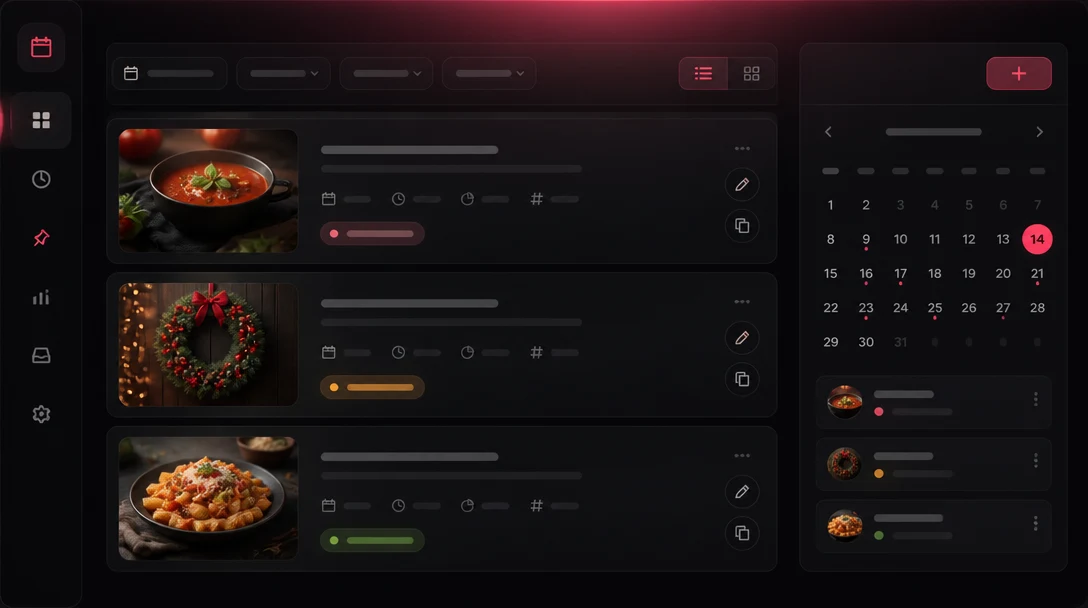
The workspace at a glance
- 0
- public sign-ups, invite only
- 0
- Pinterest passwords stored
- Dry run
- on for every new account
- Confirm
- before anything public or paid
Questions about how it works or how data is handled?
The Privacy Policy lists what is stored and who receives data. The FAQ on the home page answers the most common questions.